Exporting data from Salesforce is a foundational task for any B2B organization, but the method you choose has significant strategic implications. From the native Data Export Service for comprehensive backups and Salesforce Reports for quick lists, to the more robust Data Loader for large-scale projects and APIs for custom integrations, the right tool depends entirely on your objective, data volume, and operational frequency.
Why Exporting Salesforce Data Is a RevOps Imperative

For high-performing Revenue Operations, Sales Operations, and Marketing Operations teams, extracting data from Salesforce is far more than a routine task—it is the bedrock of intelligent decision-making and operational resilience. Viewing it as merely a way to generate a contact list overlooks its immense strategic value for optimizing your entire GTM engine.
A well-defined data export strategy serves as your ultimate safety net. It enables the creation of comprehensive backups, ensuring you can restore critical customer and pipeline information in a disaster recovery scenario. It’s also an essential component of any system migration, whether you’re transitioning to a new data warehouse or integrating key MarTech platforms like HubSpot or Account Engagement.
Unlocking Strategic Insights and Ensuring Compliance
Backups are just the beginning. Exported data is the fuel for the advanced analytics that drive sustainable growth. When you pipe raw data into a dedicated business intelligence (BI) platform like Tableau or Power BI, you can execute analyses that are simply not feasible within Salesforce’s native reporting. This is where you uncover hidden trends in your GTM motion, build predictive models, and gain a clearer, more defensible view of marketing attribution.
Consider a common RevOps challenge: a B2B SaaS company is preparing for its annual system audit while simultaneously developing a new predictive lead scoring model.
- For the audit: The team schedules a complete data export using the native service. This creates a secure, point-in-time archive that demonstrates compliance and verifies the integrity of their customer data.
- For the model: They execute a targeted export using Data Loader, pulling historical Opportunity and Account Engagement data. This dataset is fed into their analytics platform to identify high-value buying signals from past wins.
In both scenarios, a controlled, well-documented export process is critical. It guarantees the data is accurate, complete, and handled securely from extraction to its final destination.
For RevOps leaders, mastering Salesforce data exports is about converting raw CRM information into a tangible strategic asset. It is the first and most critical step toward building a resilient, data-driven GTM engine capable of supporting sophisticated analytics and a dynamic MarTech stack.
This guide will walk you through the primary methods for exporting data from Salesforce. We will explore the native Data Export Service, the powerful Data Loader, Salesforce Reports, and the flexibility of APIs. A well-executed export process is a cornerstone of operational excellence. As you refine your methods, remember that effective data handling is built on solid fundamentals; you can explore these further in our guide to database management best practices. By linking technical execution to strategic purpose, you empower your team for success.
Choosing Your Salesforce Data Export Method
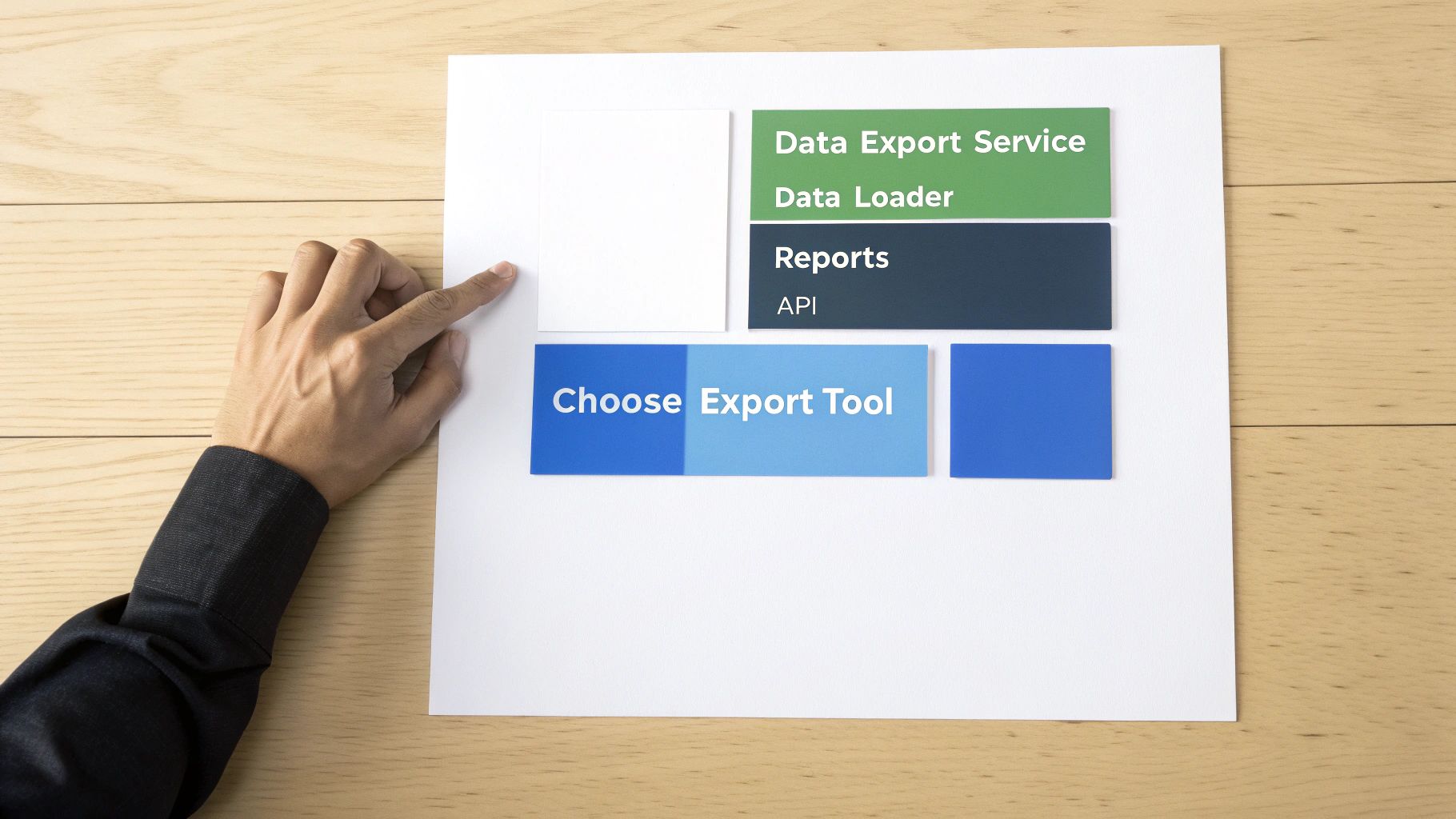
Before you extract a single record from Salesforce, the most important decision is selecting the right tool for the job. A mismatch here can lead to wasted hours, incomplete data, or a process that is unnecessarily complex.
Your four primary options are the native Data Export Service, the powerful Data Loader, simple Reports, and the highly flexible API. The optimal choice depends on your specific objective, the volume of data you are moving, the required frequency of the export, and the technical skill set available on your team.
For instance, a sales manager needing a quick list of top accounts for a quarterly review will find a Salesforce Report perfectly adequate. However, a RevOps team executing a full-scale system migration to a new CRM will require the robust capabilities of the Data Loader.
Comparing Your Core Export Options
Understanding the practical differences between these tools is key to operational efficiency. A clear decision-making framework prevents you from using a sledgehammer to crack a nut—or attempting a massive data migration with a tool not built for the task.
This is a daily consideration for the over 150,000 companies that rely on Salesforce for everything from simple backups to complex, integrated analytics. The platform’s flexibility in data accessibility is a significant reason for its broad adoption. For more on its market position, see Salesforce’s recent performance reports.
The objective is not just to learn one tool. It’s to build the institutional knowledge to select the most effective method for any given task, saving your team from significant operational friction.
To help you build that expertise, here’s a high-level comparison of the primary export methods.
Salesforce Data Export Method Comparison
| Method | Best For | Data Volume | Frequency | Technical Skill |
|---|---|---|---|---|
| Data Export Service | Full org backups, disaster recovery, compliance. | High (All data) | Scheduled (Weekly/Monthly) | Low (Admin setup) |
| Data Loader | Mass data migration, updates, complex exports. | High (Up to 5M records) | On-demand, schedulable | Medium (Comfort with CSVs) |
| Reports | Quick lists, simple analysis, sharing with users. | Low (Up to 2K rows) | Ad-hoc, on-demand | Low (End-user friendly) |
| API | Custom integrations, automated data syncs. | High (Scalable) | Real-time, scheduled | High (Developer required) |
This table provides a solid starting point. Now, let’s examine the specific factors you should weigh before making a final decision.
Key Factors for Your Decision
To make the right choice, you must answer a few practical questions. Most export-related challenges stem from a mismatch in one of these key areas.
- Data Volume: Are you exporting a few hundred records or several million? Reports are ideal for smaller, targeted lists but will time out or truncate data if pushed beyond their limits. The Data Loader and API are engineered to handle massive datasets efficiently.
- Export Frequency: Is this a one-time data pull for a specific project, or a recurring process that needs to run weekly? The Data Export Service is your set-it-and-forget-it solution for scheduled backups. For on-demand needs, Reports or the Data Loader are your primary tools.
- Technical Skill: Who is executing the task? A marketing coordinator can easily run a report. Using the Data Loader requires greater comfort with CSV files and an understanding of object relationships. Any process involving the API falls firmly into developer territory.
- Use Case Complexity: Do you need a simple, flat list of contacts, or are you extracting related records from multiple objects? For a complex data extraction feeding a data warehouse, you will require the capabilities of the Data Loader or a custom API integration. If you are undertaking such a project, our guide on data migration best practices offers a valuable framework.
Thinking through these points upfront will enable you to confidently select the right tool and ensure a smooth, accurate export process every time.
Using the Native Data Export Service for Backups
When you require a complete, no-frills backup of your entire Salesforce organization, the built-in Data Export Service is the optimal solution. It is designed specifically for creating full-system snapshots for disaster recovery, long-term compliance archiving, and system audits. No external tools or advanced technical knowledge are required.
This is the standard operating procedure for most RevOps and Marketing Operations teams. It provides a periodic, comprehensive record of everything in your org—your official point-in-time archive.
The service is not designed for surgical precision; you cannot extract a small subset of records. Its power lies in its comprehensive scope and simplicity. You configure it once, and it runs automatically, delivering all your data in a single package.
How to Kick Off the Data Export
Initiating a full backup is a straightforward administrative task performed within Salesforce Setup.
Navigate to Setup, enter “Data Export” into the Quick Find box, and you will arrive at the main export screen. You have two primary options: Export Now for an immediate, one-time export, or Schedule Export to configure a recurring weekly or monthly backup.
For any standard operational process, scheduling is the recommended approach. It automates your backups, providing a consistent archive without manual intervention.
A Quick Tip for RevOps Teams: For your official, long-term archive, always use the monthly schedule. While weekly backups are useful for more frequent checks, a monthly export aligns better with financial reporting cycles and provides a cleaner historical dataset for year-end analysis and compliance audits.
Making Sure You Get Everything
After selecting your schedule, you must specify which data objects to include. While you can select specific objects, the primary purpose of this tool for backup is to capture everything. Therefore, ensure you check the most critical box on the page: Include all data.
Selecting this option is non-negotiable for a true disaster recovery plan. It guarantees a full copy of every standard and custom object in your org, from core Account and Opportunity records to custom objects used for marketing attribution.
You will also see settings for file encoding and carriage returns. In most cases, the default settings are sufficient unless you have a specific technical requirement to change them.
Once you click Start Export or Save, Salesforce queues your request. Depending on the size of your org, this process can take anywhere from a few minutes to several hours, or even a day or two for very large datasets.
Handling the Exported Files
When your export is complete, Salesforce sends an email notification to the user who scheduled it. This email contains a link to download your data, which is packaged as a single ZIP file.
This next detail is critical: the download link expires after 48 hours. If you miss this window, the link becomes invalid, and you must restart the export process. A defined operational process is essential to manage this.
- Assign a Backup Owner: Designate a specific person or role on your RevOps or IT team to be responsible for downloading and storing the backup file. This eliminates ambiguity.
- Use Calendar Reminders: Create a recurring calendar event to check for the export email and download the file, ensuring the 48-hour window is never missed.
- Establish a Secure Storage Location: Once downloaded, unzip the file and store the CSVs in a secure, access-controlled location such as a dedicated SharePoint folder, S3 bucket, or shared drive. Organize these backups by date for easy retrieval.
By integrating the Data Export Service into your core data governance framework, you build a solid foundation for business continuity. While other tools like Data Loader are better suited for daily, targeted data operations, nothing surpasses the native service for a comprehensive, scheduled archive.
Mastering the Data Loader for Complex Exports
While the weekly export service is excellent for full backups, it is not the tool for daily operational tasks. For heavy-lifting, RevOps and Sales Ops professionals rely on the Salesforce Data Loader. This is your go-to client application when you need surgical precision, massive volume, and direct control over your data extraction.
Consider it the workhorse for complex migrations, targeted data pulls for analytics platforms, or any job where a standard report is insufficient.
Unlike the web-based export tool, Data Loader is a desktop application installed on your machine. This direct connection empowers you to export up to five million records in a single operation. It is the perfect bridge between a simple data request and a full-scale API integration.
To begin, you must download the application from Salesforce Setup. Connecting requires logging in with your Salesforce credentials and, depending on your org’s security policies, a security token. You can generate this from your personal settings; it provides an essential layer of security when using external applications to access your data.
Building Targeted Exports with SOQL
Data Loader’s true power for RevOps lies in its ability to utilize Salesforce Object Query Language (SOQL). Instead of selecting an object and exporting all its records, you can write a precise query to extract the exact dataset you need. This significantly reduces post-export data cleaning and manipulation.
Imagine your team is conducting a territory analysis for the previous quarter. You don’t need every opportunity ever created; you need a specific slice of data. With Data Loader, you can construct a query like this:
SELECT Id, Name, Amount, CloseDate, Account.Name, Account.BillingState, Primary_Contact__r.Name FROM Opportunity WHERE IsWon = true AND CloseDate = LAST_FISCAL_QUARTER
This single query accomplishes several tasks efficiently:
- It retrieves only closed-won opportunities, focusing the analysis on actual revenue.
- It filters for a specific timeframe (LAST_FISCAL_QUARTER), eliminating the need for manual date filtering in a spreadsheet.
- It seamlessly pulls in parent Account information and data from a custom lookup to a primary Contact, all within a single, clean file.
This level of efficiency distinguishes high-performing RevOps teams. Mastering SOQL within Data Loader elevates your role from a simple data puller to a strategic data extractor.
Optimizing for Performance and Avoiding Pitfalls
When managing hundreds of thousands or millions of records, performance is paramount. A poorly configured export can time out, fail, or consume your daily API call limit. Managing this is a critical skill.
One of the first settings to adjust is the batch size. This parameter tells Data Loader how many records to process in a single API call. The default is 200, but for exports, you can increase this to 2,000. A larger batch size can dramatically accelerate your export but also uses more memory.
For most large-scale exports, a batch size between 500 and 1,000 provides an optimal balance of speed and stability. If you encounter timeout errors, your first troubleshooting step should be to reduce the batch size.
Another common constraint is Salesforce’s API limits. Every operation in Data Loader consumes API calls from your org’s daily allowance. A massive export can use thousands of calls, potentially impacting other integrated systems like your marketing automation platform. Before initiating a large job, always check your remaining API calls in Salesforce Setup.
Common Data Loader Scenarios
When is the Data Loader the definitive choice for a B2B company? Here are a few common scenarios:
- Preparing for a HubSpot Migration: You need to export all related Account, Contact, and Opportunity data while preserving their original Salesforce IDs to correctly map relationships in the new system.
- Seeding a Data Warehouse: You can run a scheduled, command-line export of key objects (like Leads from Account Engagement) to feed a BI tool that runs advanced attribution models.
- Archiving Specific Records: If you are discontinuing a product line, you can use Data Loader to export all related Cases, creating a clean archive before deleting the records from your live environment.
In each of these cases, the ability to handle large volumes, query specific record sets, and include data from related objects makes Data Loader the ideal tool. It provides the control and power necessary for the complex data tasks central to modern revenue operations.
You don’t always need a heavy-duty tool like Data Loader. Often, you just need a quick, targeted list for an immediate task. For these situations, Salesforce Reports are your most efficient option.
While typically used for dashboards and internal analytics, reports provide a surprisingly fast and easy way to export clean data into a .xlsx or .csv file. Their primary advantage is simplicity. No special admin permissions or external software are required. If a user can build a report, they can export it.
This method empowers business users for ad-hoc requests, such as a sales manager needing a list of contacts in a specific region or a marketing manager wanting a list of recent webinar attendees. It promotes self-service and reduces the burden on your central RevOps team.
Building Your Report for a Clean Export
The key to a successful export is starting with a well-structured report. The goal is a clean, tabular dataset, not a visual chart. This means using filters and columns strategically to pull exactly what you need.
For example, a marketing manager needs a list of all contacts who attended a recent webinar to enroll them in a follow-up sequence in Account Engagement.
Instead of exporting all contacts and filtering them later, a more efficient approach would be to:
- Start with a “Contacts & Accounts” report type.
- Add a cross-filter to show only contacts who are members of the specific webinar campaign with a status of “Responded.”
- Ensure the report includes essential columns like First Name, Last Name, Email, and the Salesforce Contact ID. This ID is crucial for a clean, error-free upload into another system.
Once the report is configured, they simply click the Export button and select the “Details Only” option. This generates a perfectly clean CSV, ready for use.
Mastering report filters is the secret to fast, precise exports. You can generate hyper-specific lists for sales plays or marketing campaigns in minutes. For everyday data needs, it’s often the most efficient tool available.
Know When to Use Something Else
This simplicity comes with limitations. Reports are not designed for massive data dumps. Attempting to export tens of thousands of records will likely result in performance issues or incomplete data, making them unsuitable for full system backups or major data migrations.
The ability to export data is also crucial for businesses engaged in international trade. Many Canadian companies, for example, use Salesforce to manage relationships and transactions with global partners. The ability to export this data is key for logistics and compliance, particularly with major trading partners like Illinois, which imports billions in goods from Canada. A high percentage of Canadian exporters have cited improved efficiency thanks to these digital tools. You can find more details on the Illinois Department of Commerce & Economic Opportunity website.
Despite these limitations, for day-to-day tasks—pulling lead lists, exporting opportunities for pipeline reviews, or grabbing campaign members for an email send—Salesforce Reports remain the fastest and most accessible option.
Best Practices for Secure and Compliant Data Exports
The moment you export data from salesforce, you become its sole guardian. Salesforce provides robust security for your data within its platform, but once that CSV file resides on your local machine or network, the responsibility for its protection is entirely yours. This is a critical distinction that every RevOps and Marketing Ops professional must understand.
This “shared responsibility” model demands solid security protocols for data both in transit and at rest. This is not merely a suggestion; compliance with regulations like PIPEDA in Canada requires a demonstrable commitment to end-to-end data protection for exported information.
Upholding Data Minimization and Least Privilege
Two core principles should guide every export: data minimization and least privilege.
Data minimization means you only export the data you absolutely need. If a sales manager requests a list of contacts for an email campaign, export only the necessary fields like name and email address. Do not include sensitive information like phone numbers or mailing addresses if they are not required for the task.
Similarly, apply the principle of least privilege to user access within Salesforce. Does every member of the marketing team truly need permission to export your entire contact database? Likely not. Restrict export permissions to specific profiles or permission sets to dramatically reduce the risk of an accidental data leak. Implementing strong data governance best practices is the foundation for this control.
The most secure data is the data you never exported. Every additional field in an export file increases your attack surface and compliance risk. Be ruthless with your SOQL queries and report filters to limit exposure.
A Practical Checklist for Managing Exported Data
As teams increasingly rely on advanced analytics and AI, the need to export data for these projects grows. Professionals in roles like Senior Gen AI Engineer on the Salesforce Platform frequently manage complex data extraction for AI model training. To ensure every export is managed securely, implement a consistent checklist.
- Encrypt Data at Rest: Never leave unencrypted CSV files containing sensitive customer data on a local machine or shared network drive. Use encrypted folders or purpose-built tools to protect this information.
- Use Secure Transfer Protocols: When moving data to another system, such as a data warehouse or analytics platform, always use a secure method like SFTP (Secure File Transfer Protocol). Email is not a secure transfer method for sensitive data.
- Implement Data Destruction Policies: Establish clear policies for how long exported data should be retained and a process for securely destroying it once it is no longer needed. A forgotten file in a “Downloads” folder represents a significant compliance risk.
By making these practices a standard part of your workflow, you can ensure that your efforts to export data from salesforce drive business value without introducing unnecessary risk.
Got Questions About Salesforce Data Exports? We’ve Got Answers.
When you’re deep in the weeds of RevOps and marketing operations, questions about getting data out of Salesforce are bound to pop up. Let’s tackle some of the most common ones I hear from professionals just like you.
How Can I Export File Attachments and Documents?
Yes, this is possible, but the optimal method depends on your goal.
The most straightforward way to export all files is with the weekly Data Export Service. When configuring the export, ensure the box labeled “Include images, documents, and attachments” is checked.
While you can use the Data Loader, the process is more complex. You would need to export the ContentVersion object, and the files are exported in a Base64 encoded format. This requires additional scripting to decode them into usable files. For a simple bulk backup of all attachments, the native service is far more efficient.
What’s the Best Way to Handle Salesforce API Limits During Exports?
Managing API limits is a real concern, especially in organizations with multiple integrations. Your Salesforce org has a cap on API calls within a rolling 24-hour period, and a large export can consume this allowance quickly.
First, establish a baseline. Navigate to Setup and check Company Information to view your current API usage.
If you are using Data Loader, a quick win is to increase the batch size. You can set this up to 2,000 records per call for exports, which significantly reduces the total number of calls required. For any recurring jobs, schedule them during off-peak hours (e.g., late at night or on weekends) to avoid conflicts with other integrations like Account Engagement or HubSpot that rely on API calls for real-time data synchronization.
If you consistently approach your API limits, it may be an indicator that your operational needs have outgrown your current allocation. In this case, it is worthwhile to discuss an increase with your Salesforce Account Executive.
A bit of planning goes a long way here. Before initiating a massive export, always check your org’s remaining API calls for the day. A single, poorly timed Data Loader job can disrupt other critical systems. Taking a moment to verify your available capacity can prevent significant operational friction.
Ready to align your MarTech stack and drive real GTM results? MarTech Do offers comprehensive system audits and RevOps implementation services to streamline your operations. Book a consultation with us today and discover how we can optimize your Salesforce and HubSpot investment.