Connecting Pardot with Salesforce is more than a technical task—it’s a strategic initiative to create a unified platform where marketing and sales teams operate from a single source of truth. This integration syncs rich marketing automation data from Marketing Cloud Account Engagement (MCAE) directly into your CRM, empowering your entire revenue team.
The result is enriched lead data, automated workflows, and a crystal-clear view of campaign performance and revenue impact.
Building a Foundation for Seamless Integration
Before activating the connector, strategic groundwork is essential. Many teams dive into the technical setup, only to face sync errors, mismatched data, and frustrated stakeholders. A successful integration is driven by a robust RevOps strategy, not just technology.
The objective is to build a cohesive go-to-market engine. This requires aligning sales, marketing, and operations on processes before configuring the system to support them.
Define Your Unified Lead Lifecycle
The classic friction between sales and marketing often begins with a simple question: “What is a lead?” Defining what constitutes a marketing qualified lead (MQL) and when it becomes a sales accepted lead (SAL) is non-negotiable.
Collaborate with sales leadership to map every stage of the customer journey, from initial website visit to a closed-won opportunity. This process fosters shared ownership over the entire revenue pipeline.
Key stages to define include:
- Subscriber: An individual who has opted into communications but has not yet shown significant buying intent.
- Lead: A prospect who has engaged with marketing content, such as downloading a whitepaper or attending a webinar.
- Marketing Qualified Lead (MQL): A lead meeting specific scoring and grading thresholds, indicating readiness for a sales conversation.
- Sales Accepted Lead (SAL): An MQL that a sales representative has reviewed, accepted, and committed to pursuing.
- Sales Qualified Lead (SQL): A lead that the sales team has vetted and advanced into an active opportunity.
With this alignment, a sales rep in Salesforce will understand a new lead’s origin, engagement level, and value, enabling more effective outreach.
Establish Clear Data Governance Policies
Data is the fuel for this integration. Without strong governance, you risk data contamination, leading to poor segmentation, unreliable reporting, and a lack of system trust.
Before connecting the platforms, establish clear data management rules. This is so critical we’ve created a dedicated guide on data governance best practices that provides a deeper dive.
A well-defined data governance framework acts as the constitution for your RevOps strategy. It dictates how data is collected, managed, and used, ensuring consistency and reliability across both Salesforce and Pardot.
Start by standardizing campaign naming conventions and defining picklist values. Document which system is the master record for specific fields. For instance, Salesforce should be the system of record for core contact and account details, while Pardot owns marketing engagement data. Proactive data hygiene prevents the sync errors that plague poorly planned integrations.
Pre-Integration Strategic Checklist
This checklist breaks down the essential strategic and technical planning steps. Addressing these upfront will prevent significant challenges and ensure your integration delivers tangible value.
| Area of Focus | Key Action | Business Impact |
|---|---|---|
| Lead Lifecycle Definition | Hold a workshop with Sales & Marketing to map every stage from “Subscriber” to “SQL”. | Prevents lead leakage and ensures sales only receives high-quality, ready-to-engage prospects. |
| Data Governance | Create a document outlining naming conventions, picklist values, and data ownership rules. | Ensures data consistency, improves reporting accuracy, and builds trust in the system. |
| System of Record | Designate Salesforce as the master for CRM data (Contact, Account) and Pardot for engagement data. | Prevents data overwrites and sync conflicts, creating a reliable single source of truth. |
| User Roles & Permissions | Define who needs access to what in both systems and configure profiles accordingly. | Protects data integrity and ensures users only see and edit information relevant to their roles. |
| Campaign Alignment | Standardize how campaigns are created and tracked across both platforms. | Provides clear, end-to-end visibility into marketing ROI and campaign influence on revenue. |
Completing this checklist solidifies your strategy, ensuring technology serves your business processes—not the other way around.
The synergy between these platforms delivers measurable impact. Industry data shows that a well-executed Pardot-Salesforce integration can reduce the sales cycle by 25%, helping teams close deals faster by providing sales with enriched lead intelligence for more effective conversations. As Cyntexa reports, some companies have even achieved a 63% increase in website leads after optimizing their integration.
Firing Up the Salesforce Pardot Connector

With the strategic groundwork complete, it’s time to technically connect these two platforms. Activating the Salesforce Pardot connector is a deliberate process requiring meticulous attention to detail to prevent sync errors and data issues that can erode system trust.
The process begins in Salesforce, not Pardot. You will install the Pardot AppExchange package, which adds necessary components to your Salesforce org, including the Pardot Lightning App, specialized permission sets, and the custom fields that facilitate communication between the platforms.
Next, you will configure the connector user. This dedicated Salesforce user license acts as Pardot’s agent for reading and writing data. Assigning the correct permissions to this user is critical; without them, the integration will fail.
Nailing the Right Permissions
To provide Pardot with the necessary access, assign two specific permission sets to the connector user. These are included with the AppExchange package and are designed to grant required access without compromising security.
- Pardot Connector User: Grants access to the core objects and fields Pardot needs, such as Leads, Contacts, Accounts, and Campaigns.
- Salesforce Engage: If your team uses Salesforce Engage, assign this permission set to allow sales reps to send tracked marketing emails directly from Salesforce records.
After assigning these, grant the connector user object-level permissions for any custom objects or fields you plan to sync. For example, if you use a custom “Product Interest” object, the connector user requires read and write access for that data to flow correctly.
Pro Tip: Pause the connector immediately after establishing the connection. This creates an invaluable window to finalize field mappings and any last-minute data cleanup without initiating a premature and potentially problematic mass data sync.
Configuring Your Business Unit
With user permissions configured, navigate to the Pardot Business Unit Setup page to officially link your Pardot account to your Salesforce org. Here, you will select your designated connector user, and Salesforce will verify that all permissions are correct.
The Business Unit Setup screen becomes your integration command center, allowing you to monitor connection status, manage user sync, and toggle other key settings.
This is also where you will enable game-changing features like Connected Campaigns and Engagement History. Connected Campaigns creates a one-to-one link between Pardot and Salesforce campaigns, which is essential for accurate attribution reporting. Engagement History pushes rich prospect activity data—email opens, form submissions, page views—directly onto Salesforce lead and contact records for sales visibility. For a deeper understanding of how these connections function, our guide on CRM and marketing automation integration provides valuable context.
Properly activating the connector is a significant step in aligning sales and marketing. In Canada, for instance, the Salesforce Pardot integration has been a major driver of operational efficiency. We’ve seen Canadian businesses using this setup boost their sales team productivity by as much as 30%, driven by streamlined lead scoring, automated assignments, and unified reporting that eliminates data silos.
Before un-pausing the connector, verify all configurations. To understand the mechanics of similar integrations, this detailed guide on how Mindstamp integrates with Salesforce offers a useful parallel. A few minutes of verification now will prevent significant data challenges later, ensuring your connected systems operate as the powerful revenue engine they are designed to be.
Mastering Field Mapping and Data Synchronization
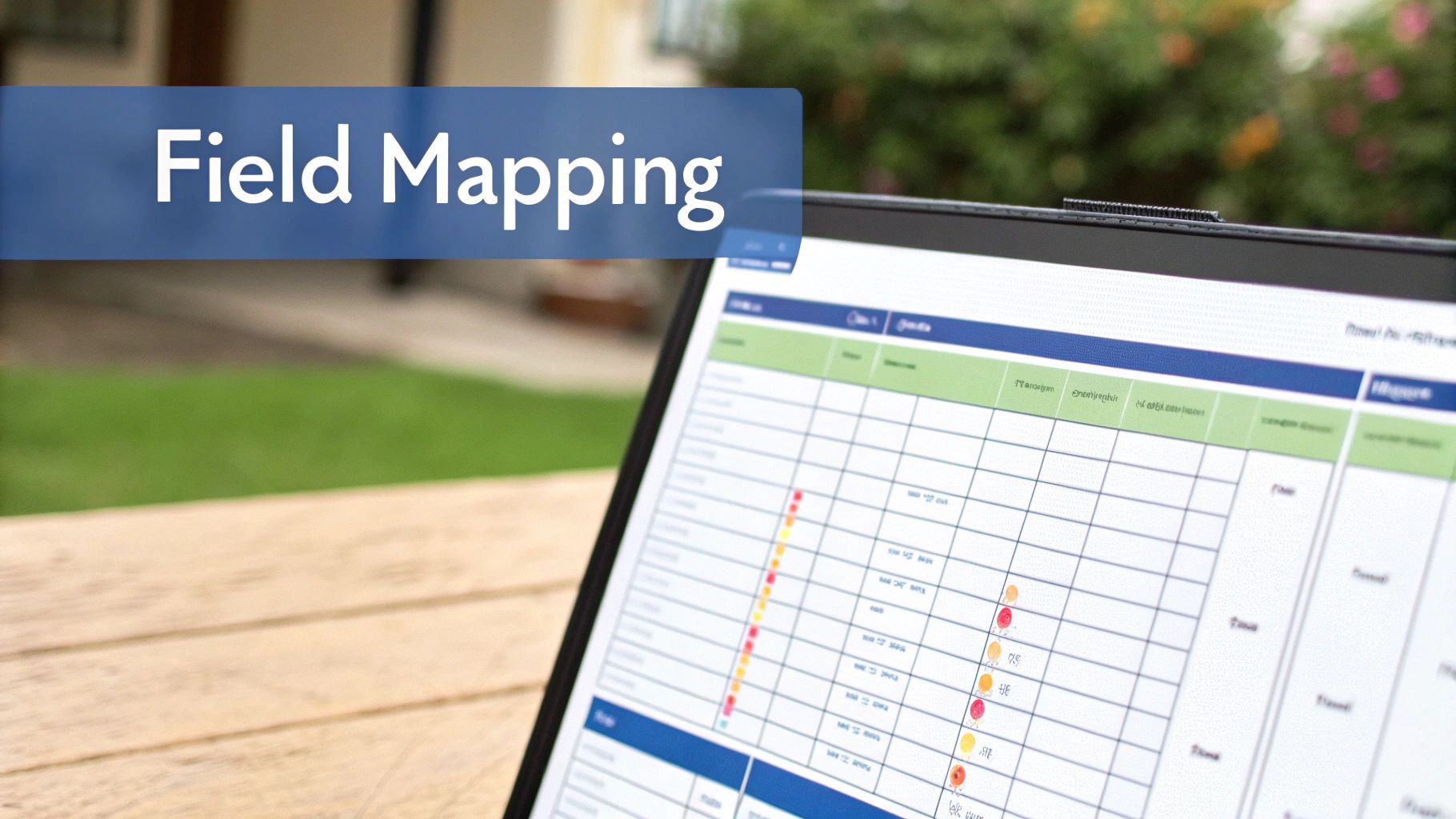
The success of a Pardot and Salesforce integration depends on the quality of its data flow. After activating the connector, the critical work of meticulously mapping fields between the two systems begins. This is not an administrative task; it is the strategic core that determines the quality of sales insights and the power of marketing segmentation.
Essentially, you are building a logical bridge between Pardot prospect fields and their corresponding fields on Salesforce Lead and Contact records. If this step is rushed or executed poorly, crucial information remains siloed, preventing you from achieving a single source of truth.
The Strategic Framework for Field Mapping
Before mapping any fields, develop a clear plan. A common mistake is syncing every available field, which clogs the system with unnecessary API calls, pollutes records with irrelevant data, and increases the likelihood of sync errors.
Instead, convene stakeholders and ask a simple question: “What information is essential for sales to engage a lead and for marketing to nurture them effectively?”
The objective is to create a purposeful, bidirectional data highway. You must decide which system “wins” for each data point to prevent accidental overwrites and maintain data integrity. For example, since your sales team operates primarily in Salesforce, it should be the master record for details like name, title, and company. Conversely, Pardot is the system of record for marketing engagement data and prospect preferences, such as newsletter subscriptions or content interests.
Mapping Custom Fields and Sync Behaviour
Mapping standard fields like ‘First Name’ and ‘Email’ is straightforward. The true power of the Pardot-Salesforce integration is unlocked when you map the custom fields unique to your business.
Identify the critical data points your team relies on, such as ‘Primary Product Interest’ or ‘Lead Source Detail’. These are the valuable insights that must be mapped.
When creating a custom field in Pardot, you must build its counterpart in Salesforce on both the Lead and Contact objects, ensuring the field type (e.g., text, picklist) matches exactly. This is non-negotiable for seamless data flow as a prospect converts from a lead to a contact.
After connecting the fields, you will set the sync behaviour, a critical setting that determines which system’s value prevails in case of a conflict.
- Use the most recently updated record’s value: This default setting works for most fields, allowing the latest change from either Pardot or Salesforce to take precedence.
- Use Salesforce’s value: This is the ideal choice when Salesforce must be the absolute source of truth, such as for ‘Account Owner’ or a specific CRM status. It prevents Pardot from overwriting data entered by a sales rep.
- Use Pardot’s value: While less common, this is perfect for marketing-owned data like a prospect’s score or grade, ensuring your marketing automation logic remains authoritative.
Choosing the right sync behaviour is foundational to good data governance. For any field critical to your sales process, I always recommend setting the sync to “Use Salesforce’s value” to protect the integrity of your CRM data.
Leveraging Formula Fields for Deeper Insights
An often-overlooked yet powerful technique is using Salesforce formula fields. These fields allow you to pass calculated or combined data from Salesforce to Pardot automatically, eliminating manual effort.
For example, while sales reps may not need separate City, State, and Country fields, a single, clean ‘Territory’ field is invaluable for lead routing. You can create a formula field in Salesforce that concatenates these values and then map that read-only field to Pardot.
This gives your marketing team powerful segmentation capabilities based on CRM logic. They can build dynamic lists for campaigns targeting specific regions, using data that is automatically calculated and maintained by Salesforce, ensuring alignment with sales territories.
To execute this effectively, you need a solid understanding of what is data synchronization and its role in your organization. Mastering field mapping transforms your integration from a simple data pipe into a strategic asset that drives both sales and marketing forward.
Driving Revenue with an Optimized Integration

Once the connector is live and data is flowing, the focus shifts from technical setup to strategic optimization. A synced system is the baseline; turning that connected data into a revenue engine is the goal. This is how you prove marketing’s impact on the bottom line with data that sales and leadership trust.
A truly optimized integration provides a clear, unobstructed view of the entire customer journey. Your sales team receives actionable intelligence within their primary workspace, and marketing can refine its strategy using real pipeline data instead of vanity metrics. This alignment is key to boosting efficiency and unlocking measurable growth.
Proving Marketing ROI with Campaign Influence
A significant benefit of a mature integration is the ability to accurately measure marketing ROI through Salesforce Campaign Influence models. With Connected Campaigns properly configured, every marketing touchpoint in Pardot—an email click, a form submission, or webinar attendance—is tied directly to its corresponding campaign in Salesforce.
This creates a detailed, chronological history of every interaction. When a sales opportunity is closed, Salesforce can trace back all associated campaigns and assign revenue credit accordingly. This finally allows you to definitively answer the crucial question: “Which marketing efforts are helping us close deals?”
By using Campaign Influence, you shift the conversation from metrics like open rates to what truly matters: pipeline generated and revenue influenced. This is how marketing earns its seat at the revenue table.
Arming Sales with Real-Time Engagement History
For any sales professional, context is critical. The Engagement History feature is a game-changer, adding a component to Lead, Contact, and Account pages in Salesforce that displays a prospect’s recent marketing activities in a clean timeline.
Instead of making a cold call, a sales rep can see that a prospect visited the pricing page three times, downloaded a case study, and attended a product demo last week. This insight is invaluable, transforming a generic follow-up call into a highly relevant conversation at the perfect moment.
The following table breaks down how these core integration features translate into tangible benefits for your RevOps strategy.
Integration Features and Strategic Benefits
| Feature (e.g., Connected Campaigns) | Primary Function | Strategic Benefit for RevOps |
|---|---|---|
| Connected Campaigns | Creates a 1:1 link between Pardot campaigns and Salesforce campaigns. | Enables multi-touch attribution, letting you prove marketing’s direct influence on closed-won revenue. |
| Engagement History | Displays prospect marketing activities directly on Salesforce records. | Provides sales reps with crucial context for more effective, timely, and personalized outreach. |
| Cross-System Automation | Triggers actions in one system based on data changes in the other. | Creates a responsive, automated lead management process that reduces manual work and speeds up follow-up. |
These features work in concert to create a seamless flow of information that empowers both marketing and sales to operate more effectively.
Advanced Optimization and Monitoring
An effective integration requires ongoing monitoring. Keep a close watch on your Salesforce API call limits, as each Pardot sync consumes a call. For organizations with large databases, exceeding daily limits can disrupt not only Pardot but other critical applications connected to your CRM.
Regularly check the Pardot sync error queue. This dashboard is an early warning system for data issues, such as a prospect failing to sync due to a new Salesforce validation rule. Addressing these errors promptly ensures data integrity and prevents leads from falling through the cracks.
Many companies are taking this a step further by connecting their Salesforce and Pardot data to advanced analytics platforms like Tableau or Power BI. This setup enables live data querying directly from the source, eliminating the delays and security risks of traditional data exports. For businesses bound by strict data residency and compliance laws, this secure, real-time connection offers up-to-the-minute insights into campaign performance and revenue attribution, facilitating faster, more informed decisions. You can learn more about how to enable this powerful live data querying with CData.
What to Do When the Sync Stops: Troubleshooting Common Glitches
Even with meticulous planning, your Pardot and Salesforce connection can encounter issues. When data stops flowing, it can feel like your lead management process has come to a halt. The key is to remain calm and know where to look first.
The sync error queue in Pardot is your diagnostic command center. It should be your first stop when you suspect a problem. Most errors are not system-wide failures but minor misalignments, such as a new required field in Salesforce or a modified picklist value. Resolving these quickly is crucial for maintaining data quality and team trust.
Decoding Validation Rule Failures
A common issue is a validation rule failure. This occurs when data sent from Pardot does not meet the quality standards defined by Salesforce validation rules, which are designed to keep CRM data clean and consistent.
For example, if your Salesforce instance requires the ‘Country’ field to use a two-letter ISO code (e.g., CA), but a prospect enters “Canada” on a Pardot form, the sync will fail. The error message in Pardot will typically identify the specific rule causing the issue.
You have several options for resolution:
- Manual Fix: Update the prospect record in Pardot with the correct data format.
- Automation: Create a Pardot automation rule to standardize country names before they sync to Salesforce.
- System Adjustment: Consult with your Salesforce admin to determine if the validation rule can be adjusted for more flexibility.
Resolving Required Field Conflicts
Another frequent roadblock is a missing value for a required field in Salesforce. This happens when a Pardot prospect lacks information that is mandatory for its corresponding Lead or Contact record.
Imagine a new business rule requires the ‘Lead Source Detail’ field to be filled out for every new lead. If marketing creates a prospect in Pardot without this information, the record will go to the sync error queue with an error like REQUIRED_FIELD_MISSING.
The best defense is proactive alignment. Establish a process where any new required field in Salesforce is immediately mirrored with a corresponding mapped field in Pardot.
To clear an existing error, manually update the prospect record in Pardot with the missing information. For a long-term solution, either make the field required on your Pardot forms or create an automation rule to assign a default value, ensuring no prospect gets stuck in sync limbo.
Untangling Assignment Rule and Permission Problems
Sometimes, the data is correct, but the issue lies with the connector user’s permissions or Salesforce assignment rule logic. A sudden wave of sync errors, especially for new prospects, could indicate that an assignment rule is failing to find an owner.
For example, if a rule assigns leads from Ontario to a specific sales rep who has since left the company and their user account is inactive, the assignment will fail. The fix is to update the assignment rule in Salesforce to route leads to an active user.
Permission errors can be more subtle. The connector user requires access to every field and object you intend to sync. If you map a new custom field but forget to grant the connector user profile read/write permissions, any attempt to sync that field will fail. This serves as a reminder that the pardot salesforce integration is a dynamic connection that requires regular maintenance as your business and systems evolve.
Got Questions? We’ve Got Answers
As you deepen your Pardot and Salesforce integration, several common questions arise. Here are answers to some of the most frequent inquiries from marketing and sales operations professionals.
How Does Pardot Deal with Duplicate Records?
Pardot uses the CRM record ID as its unique identifier. If you create a prospect in Pardot with an email that already exists on a lead or contact in Salesforce, Pardot will sync with that existing record, preventing a duplicate.
If a prospect is created in Pardot first, and a record with the same email already exists in Salesforce, your Salesforce duplicate management rules will take precedence. The integration respects your CRM’s duplicate rules, which is crucial for maintaining a clean database.
What’s the Real Difference Between Pardot and Salesforce Campaigns?
Before the Connected Campaigns feature, the distinction was a source of confusion and reporting challenges. Now, with Connected Campaigns, there is a direct one-to-one relationship that provides clarity.
- Salesforce Campaigns: These are your master campaign records and the single source of truth for tracking ROI, attribution, and influence. All campaign members (leads and contacts) reside here.
- Pardot Campaigns: These function primarily as a “first touch” tracker. Every prospect is associated with a single Pardot campaign, indicating the marketing initiative that first brought them into your database.
Connecting them creates a seamless, end-to-end view of marketing impact directly within Salesforce.
Can I Hook Up One Salesforce Org to Multiple Pardot Business Units?
Yes. This is a common configuration for larger organizations with distinct brands, regional teams, or separate business lines. Using Pardot Business Units allows you to partition prospects, marketing assets, and data for each team while consolidating everything into a single Salesforce org.
This structure is ideal when you require separate marketing operations but want a unified, high-level view of the entire customer lifecycle in one CRM. Each business unit has its own connector, settings, and workspace.
When implementing a multi-business unit architecture, defining your data-sharing model in Salesforce is critical. Use Marketing Data Sharing rules to control which Salesforce records each business unit can see and sync with, preventing data leaks and ensuring security.
Ready to move from troubleshooting to building a high-performance RevOps engine? The team at MarTech Do specializes in designing and implementing scalable Salesforce and MCAE (Pardot) solutions that align teams and drive sustainable growth.
Let’s assess your current setup and map a clear path to success. Schedule your free consultation with a MarTech Do expert today.